

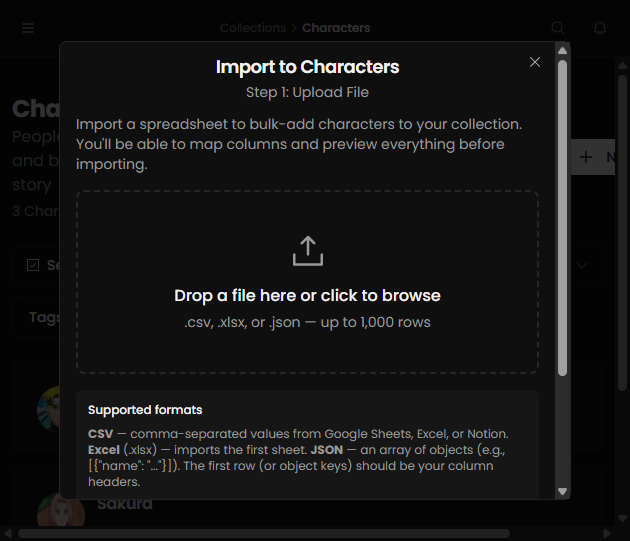
Supported file formats
- CSV (recommended)
- XLSX (first sheet)
- JSON array of objects
Import flow
- Open a collection and click Import.
- Upload your file.
- Map each column to an existing or new field.
- Preview rows before confirming.
- Run import and review the result log.
Best practices
- Keep header names clear and consistent.
- Test with a small sample before full import.
- Use one row per entity.
Common issues
- Missing required fields (for example Name)
- Invalid value types for number/date fields
- Unexpected blank rows in source file