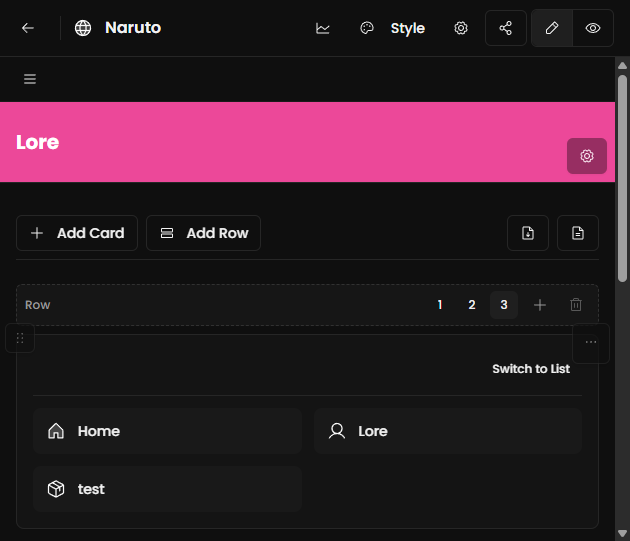
What you can publish
- Entity pages generated from your collections
- Collection listing pages
- Custom pages for lore and guides
- Grid/canvas pages for visual exploration
Publish checklist
- Open your project and go to the Site section.
- Choose a theme and configure navigation.
- Review visibility for pages and content.
- Publish and test your public URL.
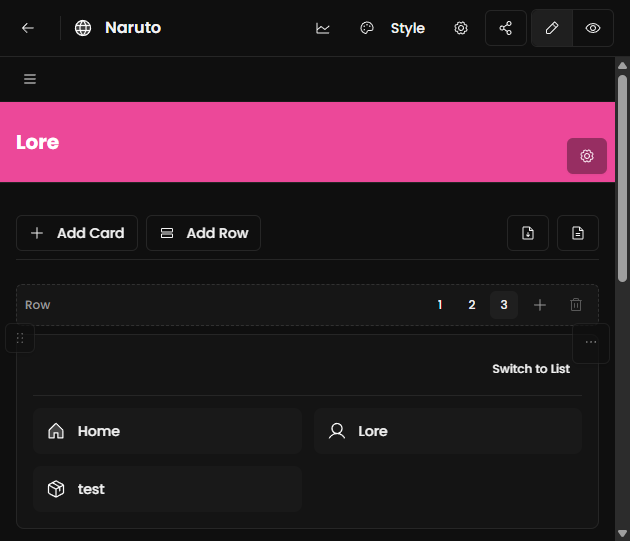
Custom domain setup
- Available on qualifying plans.
- Add your domain in Site settings.
- Configure DNS records at your registrar.
- Wait for propagation and SSL provisioning.
After publishing
- Check mobile and desktop rendering.
- Validate navigation links.
- Review analytics after traffic starts.