

Before you start
- Refresh the page and retry once.
- Try an incognito/private browser window.
- Confirm your browser is up to date.
I cannot sign in
- Double-check email and password.
- Use password reset if needed.
- If using Google, retry from a clean session.
My changes did not appear
- Make sure you are in the correct project.
- Check your internet connection status.
- Look in version history and trash for recovery options.
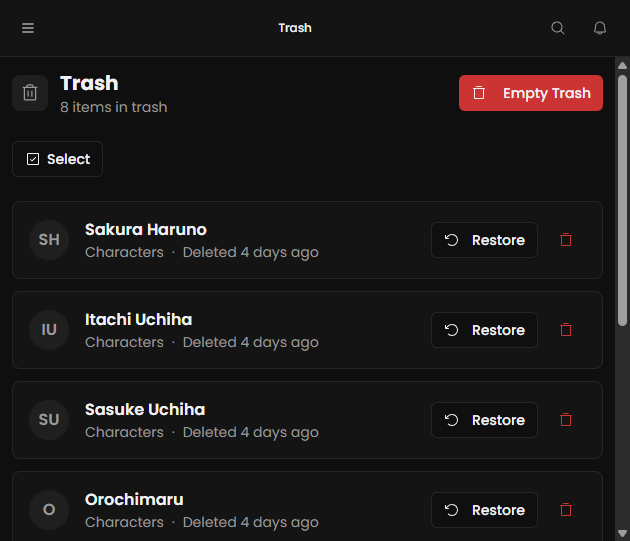
My site is not updating
- Re-open Site settings and republish.
- Confirm page/entity visibility is public where needed.
- Check the public URL in an incognito window.
CSV import fails
- Verify required columns are present.
- Check field type formatting (dates, numbers, booleans).
- Retry with a smaller sample file first.
I hit storage or plan limits
- Review your plan and usage in billing/settings.
- Remove unnecessary large files.
- Upgrade plan if your project outgrows current limits.
Contact support
If an issue continues, email support@storynotes.io with your account email, project name, exact steps, timestamp, and a screenshot.